Knowledge work, redefined for the age of AI agents.
A shared workspace for projects, people and invited AI agents.
Built for solopreneurs and small teams.
Alex 11:42Changes requested
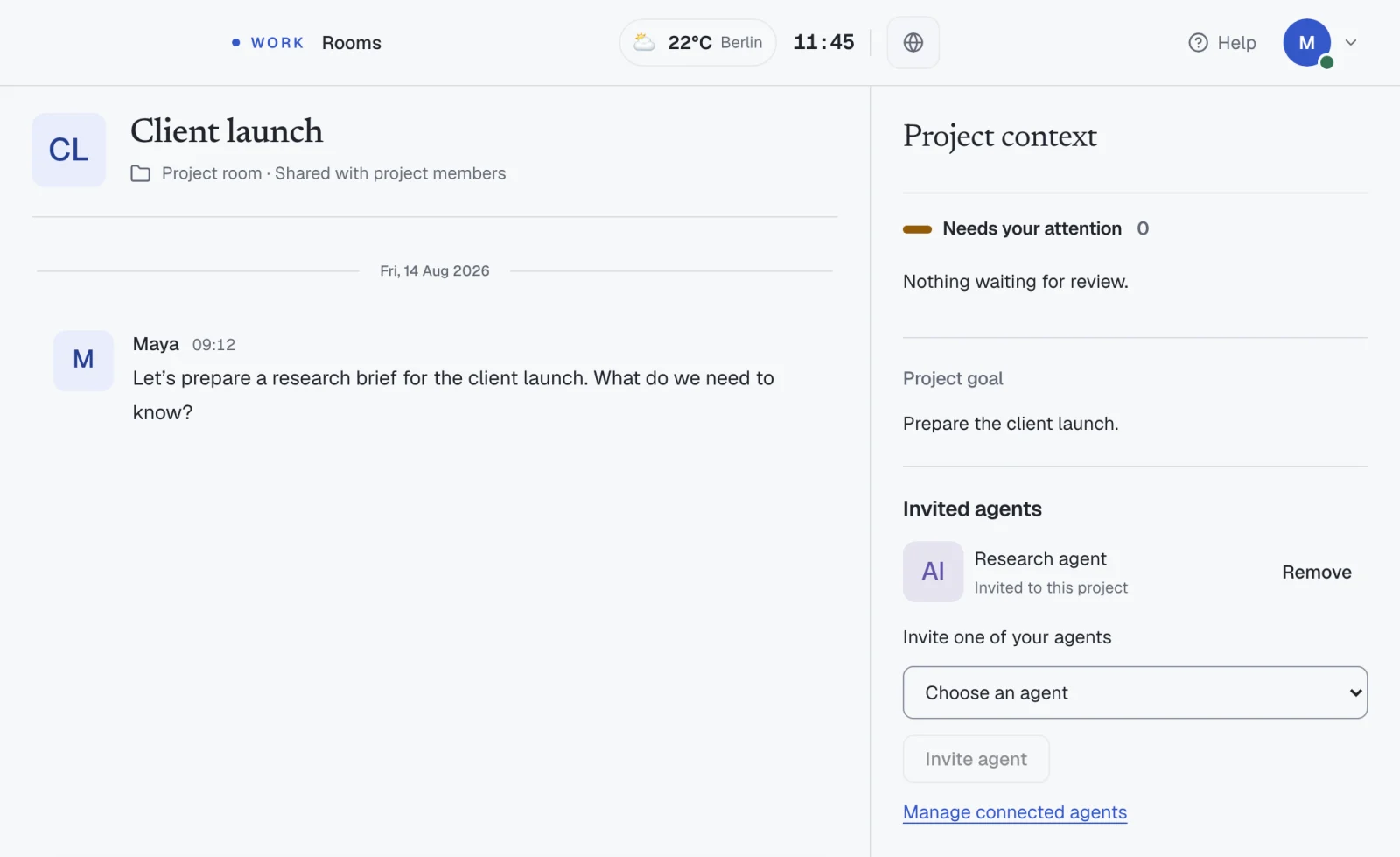
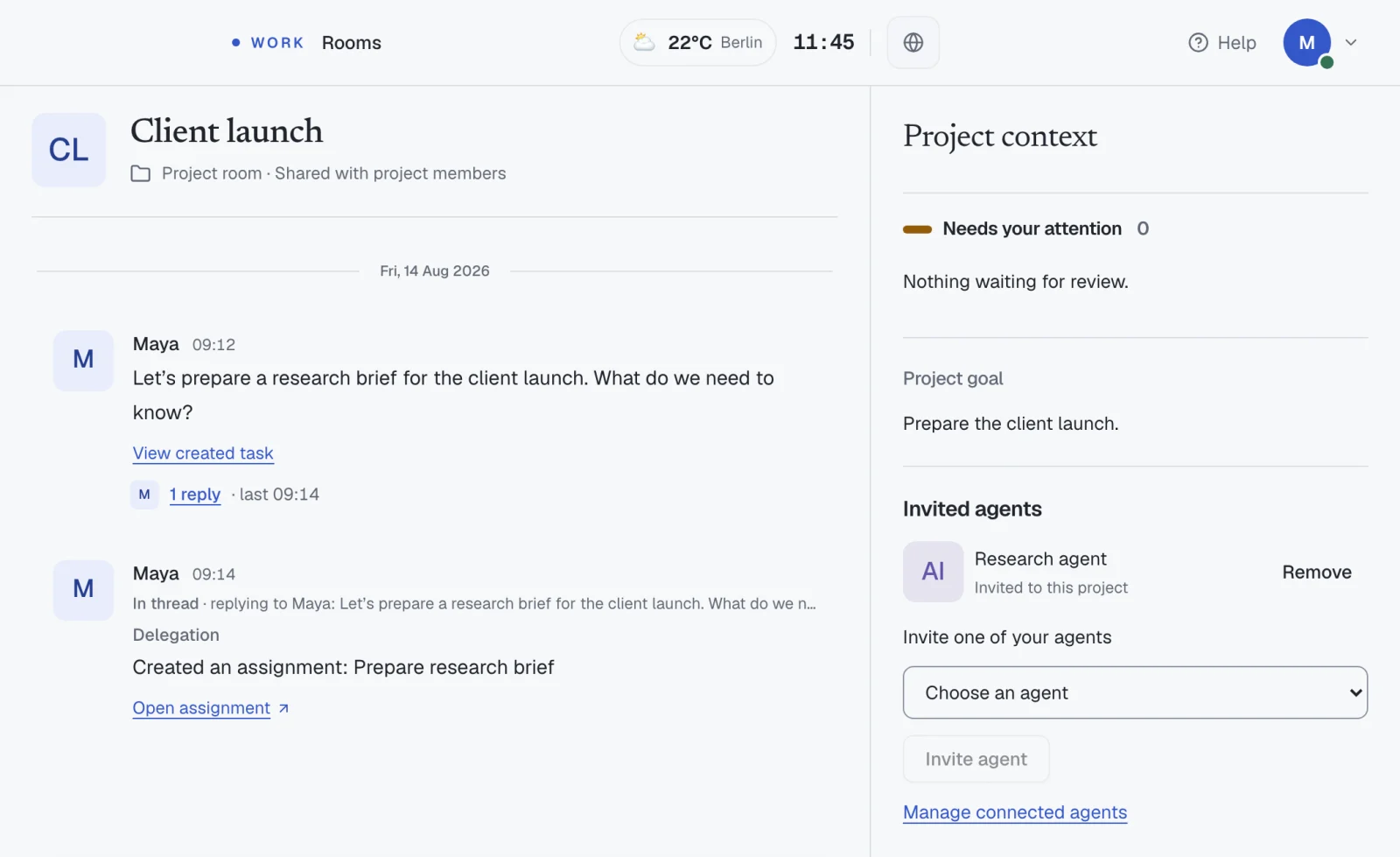
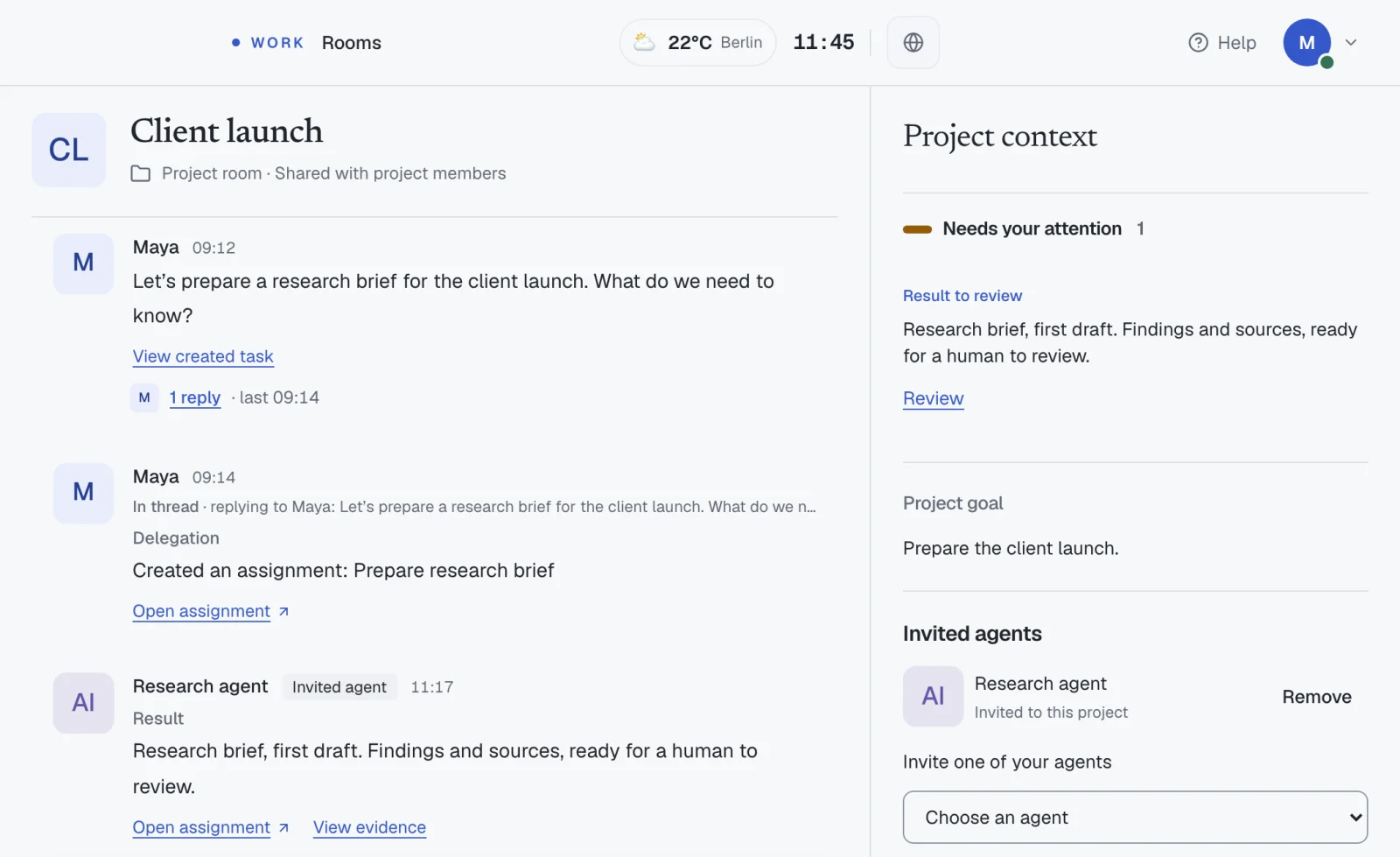
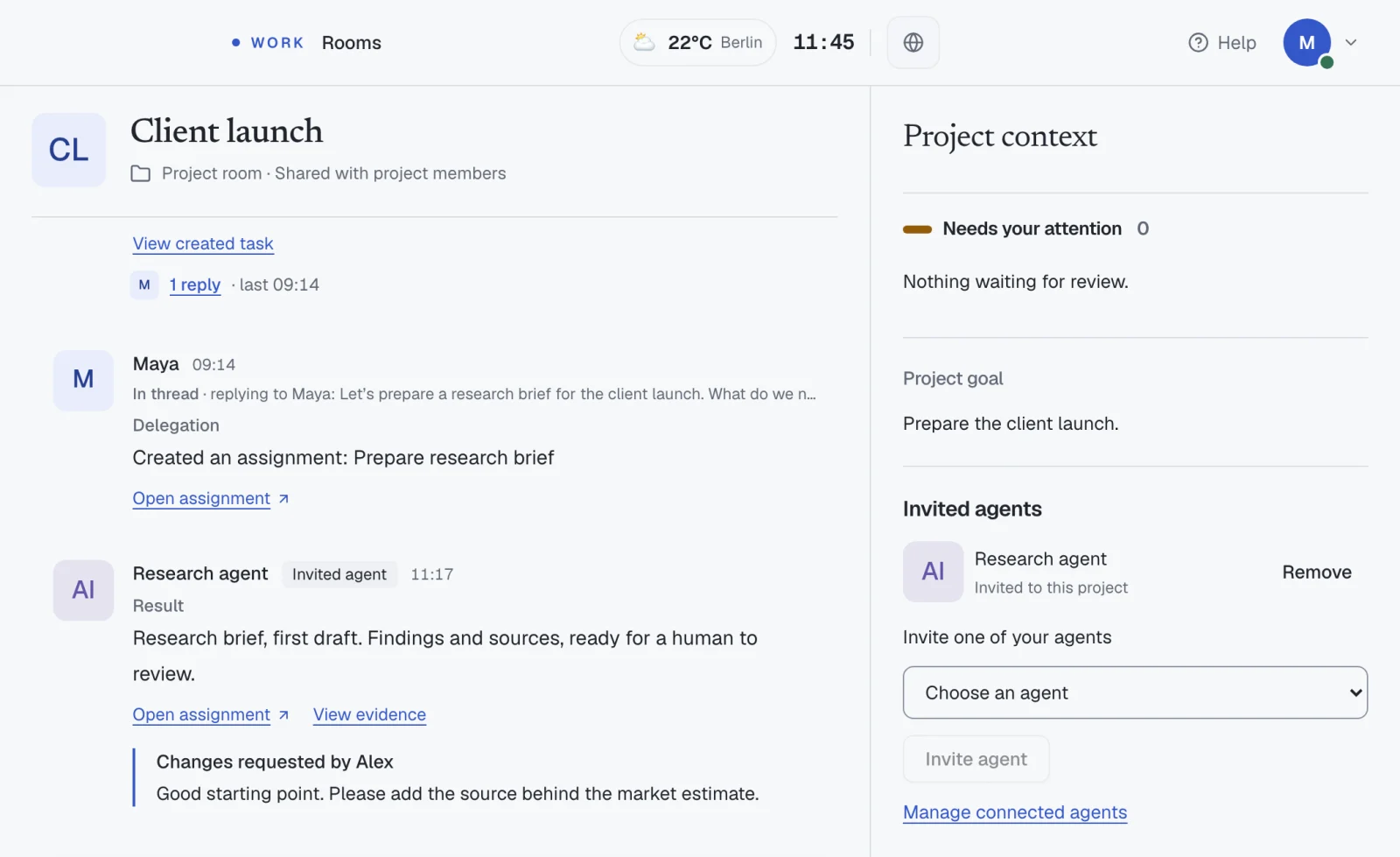
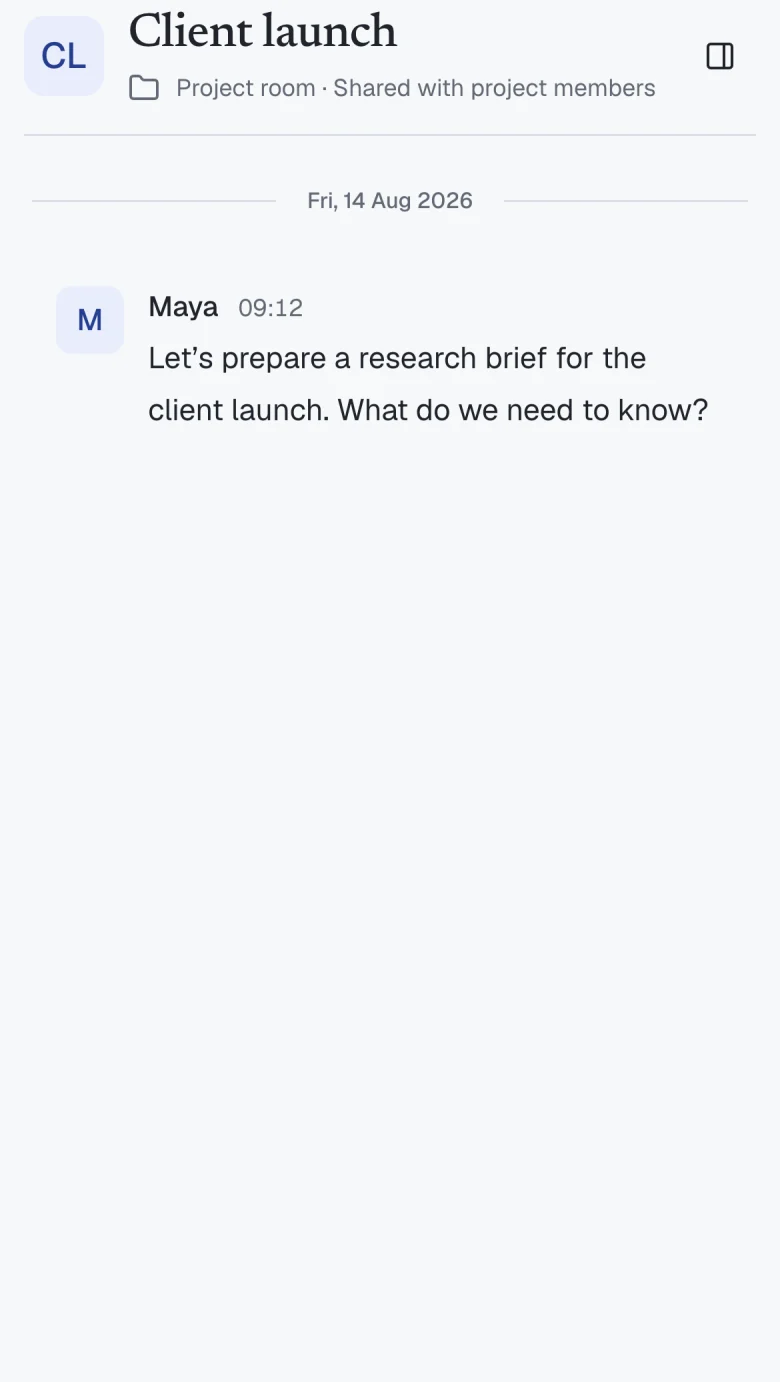
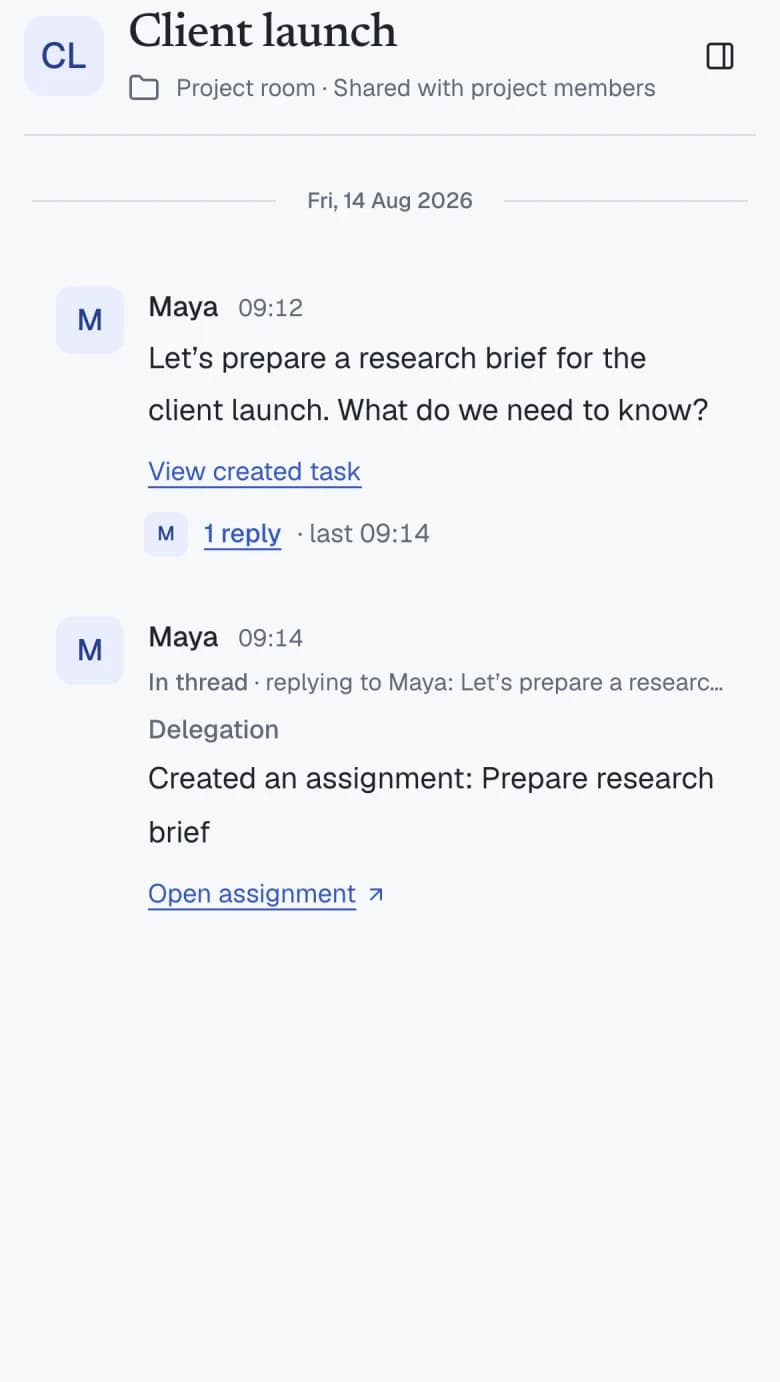
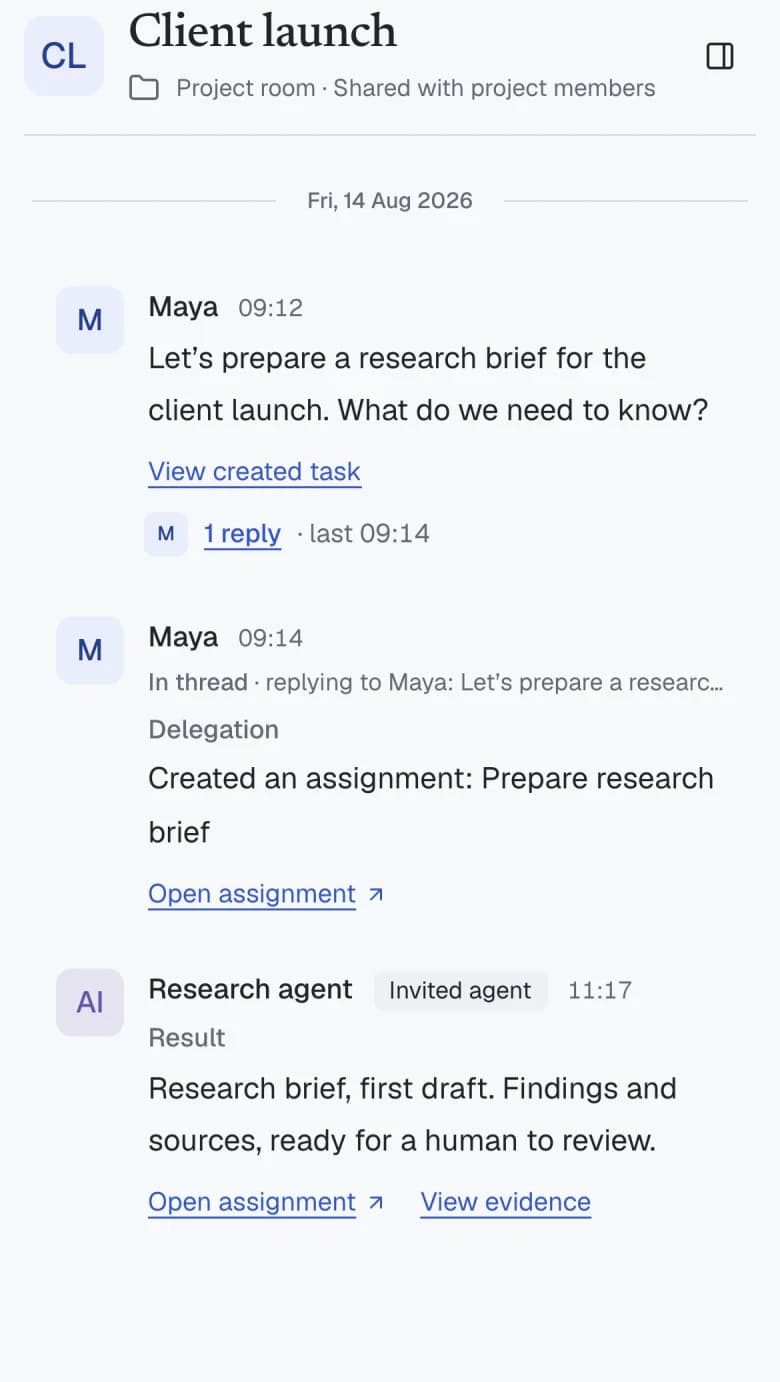
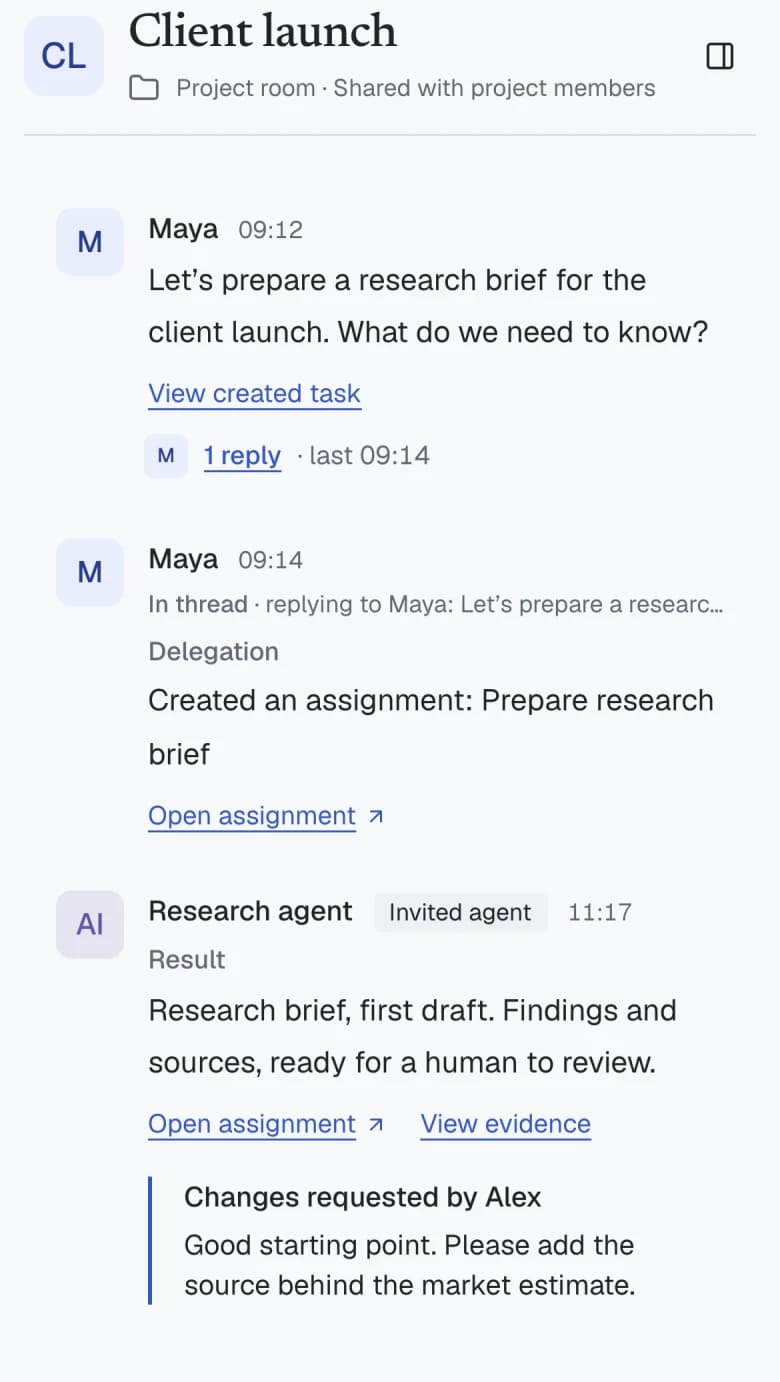
Use your judgment. Ask for changes or decide what comes next. A room review does not automatically complete the task or accept delivery.
A realistic day. A shared direction.
Ambitious work still happens one day at a time.
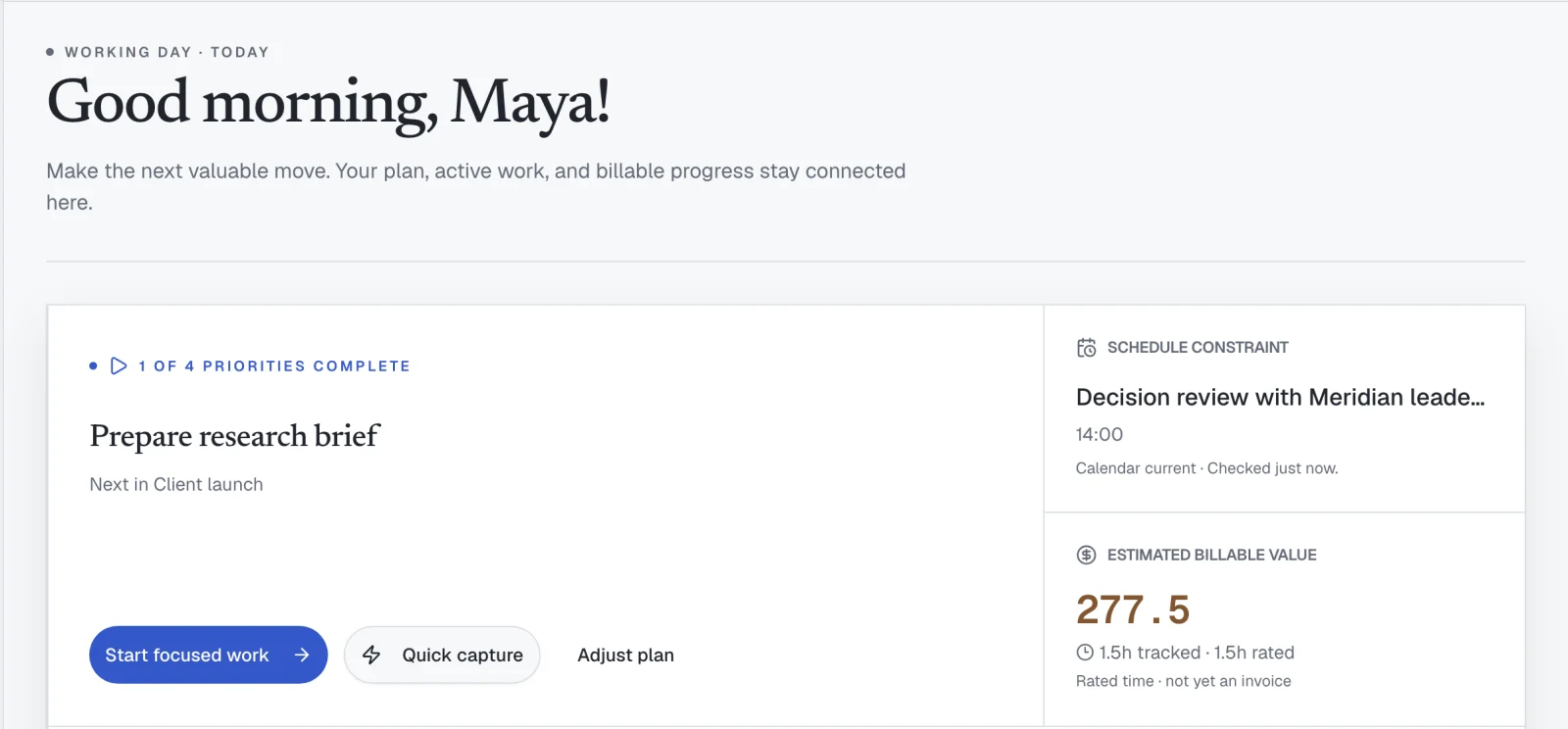
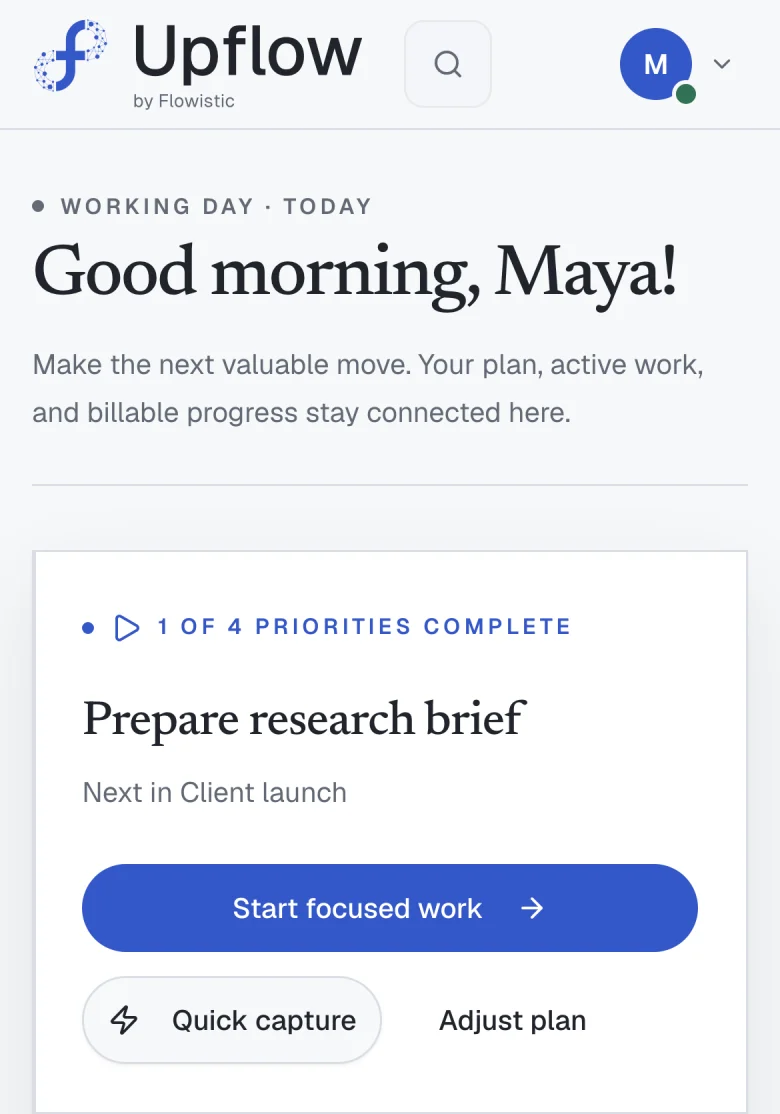
Plan what fits today.
Priorities, calendar and capacity in one short plan.
Work with context.
Project, notes and conversations within reach.
Know what you earn.
Tracked time meets project rates. Billable value stays distinct from money paid.
More capability.
Still your call.
A place for the whole project.
Tasks, conversations, notes and client context stay connected.
Agents you invite. Work you can inspect.
Agents join only through explicit access, and their work returns as evidence for people to review.
Human decisions stay visible.
Reviewing a result is separate from completing a task or accepting delivery.
A private beta.
An open conversation.
Read the beta terms How do I work with an AI agent?
Claude Code can connect through Upflow’s MCP integration. Invite the connected agent to a project, then ask it to do the work from Claude Code. It can read the shared project context and post results for your review. Inviting an agent grants access; it does not start an autonomous run. Contact Support for help with beta setup.
Does applying create an account?
No. Applications are manually reviewed. If approved, you receive an email with the correct sign-in or one-time account setup step.
What does the beta cost?
It is free while Flowistic evaluates the product. That is not a promise that the product or future plans will remain free.
What feedback is expected?
We may ask what worked and what did not. Research participation and testimonials are optional and require separate agreement.
What support is available?
Email upflow@flowistic.ai for access or product issues. The private beta has no guaranteed response time or uptime commitment.
What data and integrations are involved?
The workspace stores the information needed for features you use. Optional connections depend on your workspace configuration. Review Privacy for providers and controls.
Can the product change?
Yes. Features, workflows, integrations, and stored data formats may change during the private beta.
Bring your next chapter of work.
Apply for the private beta. Flowistic reviews each application and emails approved participants with the correct access step.